Layout boundary
Draw straight lines, arcs, and open Bézier curves (amber) to define the sheet or room outline. Snap endpoints to close corners; the packer flattens curves and auto-closes gaps when possible.
For shops and teams that nest, cut, print, or install inside real boundaries—sheet metal, plywood, vinyl, fabric, or floor plans. Draw, trace from photos, auto-fit, print at scale, export STEP.
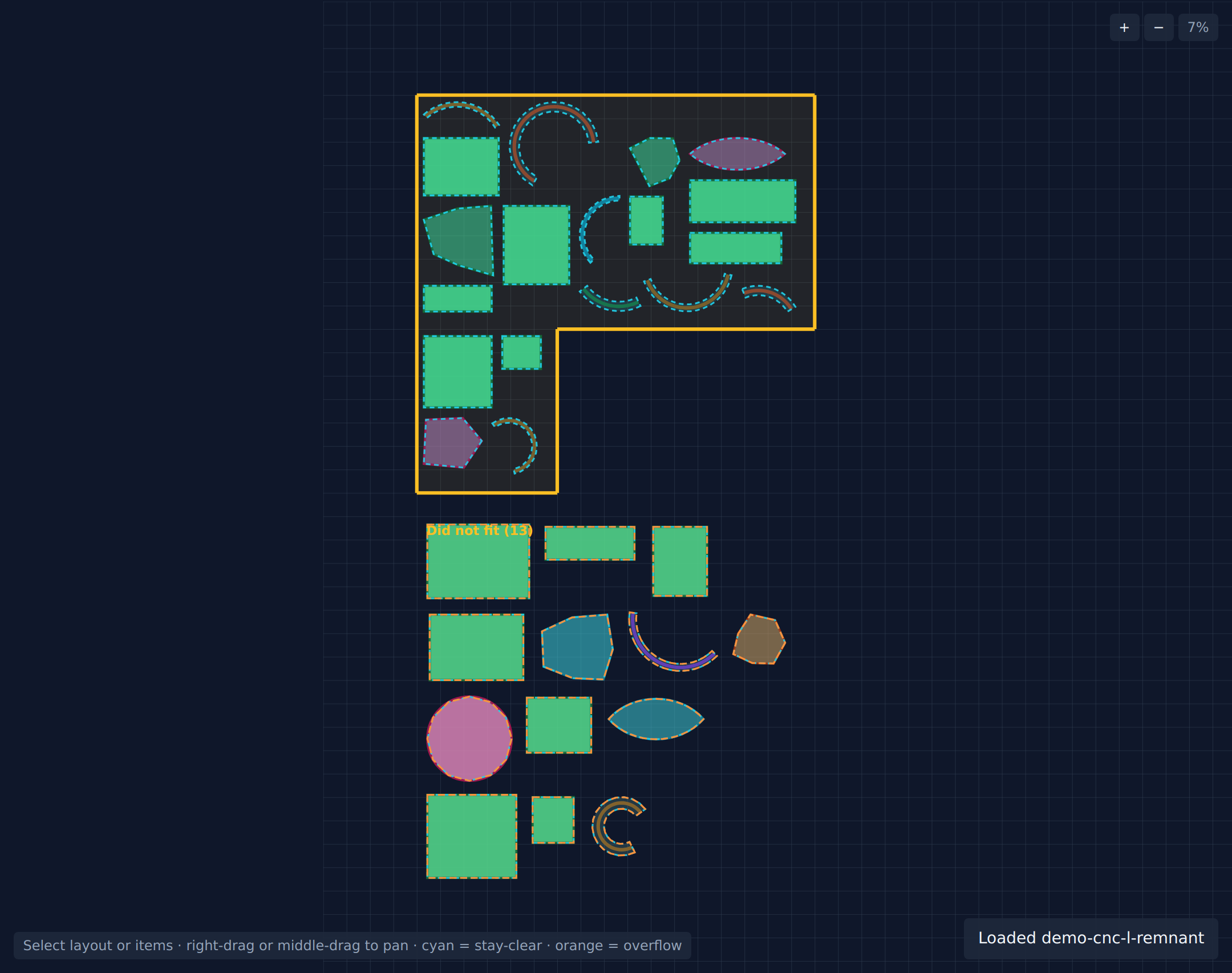
Real layout: CNC remnant sheet with auto-packed parts
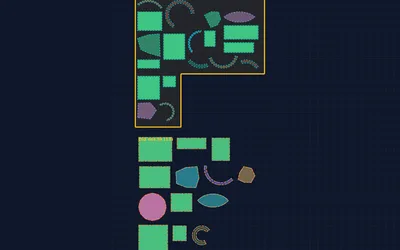 Laser & CNC
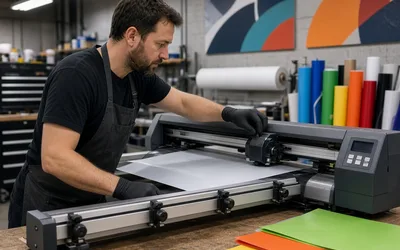 Sign & vinyl
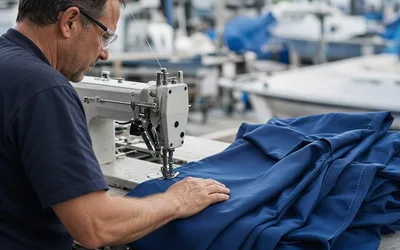 Marine canvas
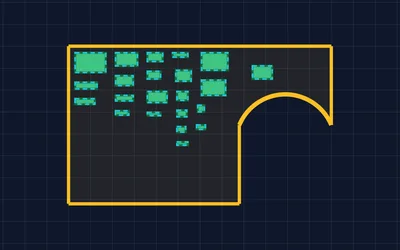 Cabinet shops
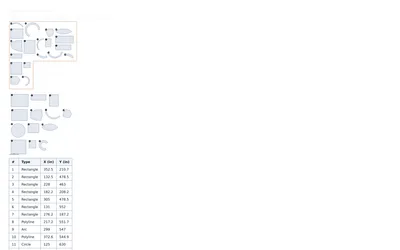 Print & labels
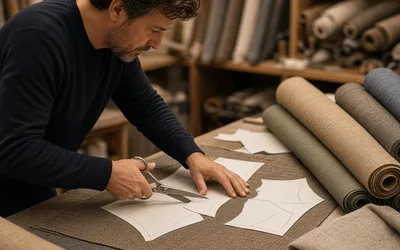 Textile
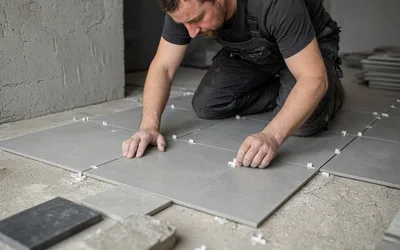 Tile & stone
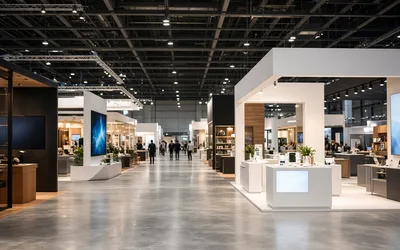 Trade shows
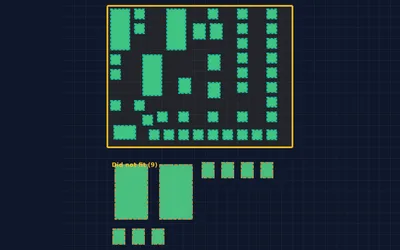 Warehouses
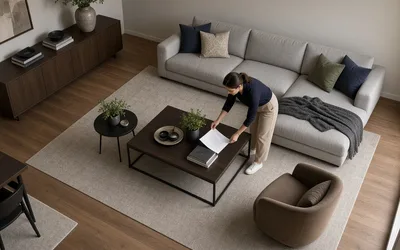 Interiors
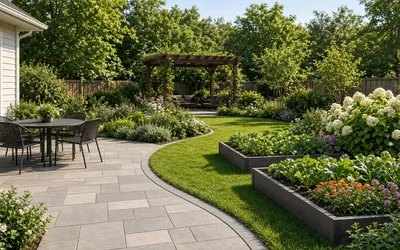 Yard & garden
1 / 3
Everything in the app today—draw boundaries, pack irregular items, refine by hand, then print or export. Paid tier unlocks Print, Download, and STEP (marked below).
Draw straight lines, arcs, and open Bézier curves (amber) to define the sheet or room outline. Snap endpoints to close corners; the packer flattens curves and auto-closes gaps when possible.
Place rectangles, circles, arcs, polygons, Bézier curves, and standalone image items (green)—everything the packer treats as geometry with rotation and clearance.
Repack current items inside the closed boundary with a Rust-powered search. Set max seconds or run to completion; cancel anytime and keep the best layout found.
Drag an item fully inside the layout and it locks to manual automatically—or set Mode yourself. Auto pieces repack; manual pieces stay put. Mix both in one job.
Per-item priority, stay-clear spacing, adjacency to another item #, and limits on items between—so pairs stay together and kerf rules are respected.
On image items, one-click trace turns PNG/JPEG footprints into packable polygons (ideal with transparency; JPEG uses edge detection). Traced geometry exports in STEP.
Assign photos to any shape outline for visualization—cover/contain, pan/zoom inside the element. Decorative only; not included in STEP export.
Rename items (up to 20 characters), drag labels on canvas, and see names in the item list, printouts, and STEP metadata. Numeric # ids stay for adjacency.
Multi-select, box select, rotate with pivot, join endpoints, group/ungroup/nest groups, duplicate with qty, and on-shape dimension labels per shape type.
Step backward and forward through edits (keyboard shortcuts supported) while you iterate on a layout.
Work in mm, cm, inches, or feet for dimensions and for real-world print scale on the shop floor.
Open and Save .fitshapes.json locally—full design, images, and viewport. Samples menu downloads demo jobs; New clears the canvas.
Print a scale-accurate page with grid, scale bar, item badges, and a placement table (name/#, type, X, Y).
Export a self-contained offline HTML file of the layout for archive or print without the live app.
Exchange flat XY CAD geometry in the browser—import replace/merge, export layout/items/overflow independently. Lines, arcs, circles, rects, polylines, Bézier, and traced footprints round-trip.
Guest or free account: draw, pack, and save local files. Upgrade for Print, Download, and STEP; billing via secure checkout.
Zoom buttons, typed zoom %, scroll-wheel zoom, Pan tool, right-drag pan, pinch/zoom and two-finger pan on mobile.
Create or refresh batches of random test shapes with optional seed—useful for benchmarking pack quality and demos.
Left toolbar tools (number keys in parentheses). Click once for one shape, double-click a draw tool to stay active (● sticky mode).
| Tool | Key | What it does |
|---|---|---|
| General | ||
| Select | 1 | Select, move, box-select, multi-select (Ctrl/Shift+click). Click empty space to deselect. |
| Pan | 2 | Drag to move the canvas view. Right-drag pans in any tool. |
| Layout boundary (amber) | ||
| Line | 3 | Click-drag a straight boundary segment. |
| Arc | — | Click-drag endpoints, then adjust curvature with the midpoint handle. |
| Curve | — | Open Bézier: click anchors, double-click or Enter to finish a boundary segment. |
| Item shapes (green) | ||
| Rect | 4 | Click-drag a rectangular item to pack. |
| Circle | 5 | Click center, drag radius; resize later via handles. |
| Arc | 6 | Curved item segment with adjustable sweep. |
| Polygon | 7 | Click vertices; close on first point, double-click, or Enter. |
| Bezier | 8 | Smooth curve through anchors; double-click anchor/segment to remove or insert points. |
| Image | 9 | Click to pick a file; image placed as a packable item (trace optional). |
.fitshapes.json workflow.Any business that manually nests or lays out irregular shapes in a bounded area. These teams tend to convert fastest.
Define the sheet, nest parts for yield, control kerf spacing, export packed geometry to STEP for CAM.
Letters, logos, and decals on rolls—less waste, spacing preserved, priorities honored.
Covers, cushions, enclosures on costly fabric—full-scale print guides before cutting.
Panels and templates on plywood—auto layout, manual tweaks, then CNC.
Nest stickers, labels, and die-cut shapes on media to protect margins.
Trace patterns, compare fabric layouts without enterprise nesting suites.
Room and slab outlines—visualize cuts and remnant use before install.
Booths, furniture, and gear in hall footprints with clearance zones.
Floor layouts for pallets, aisles, and equipment—dense auto pack, human refinement.
Quick furniture and fixture studies in irregular rooms before full BIM.
Plot yard boundaries, patios, beds, and outdoor zones—scale plans before hardscape and planting.
Plain-language summary for search and discovery.
AutoFitShapes is web-based software that automatically packs, nests, and arranges irregular shapes inside user-defined boundaries. Typical applications include CNC manufacturing, laser cutting, waterjet cutting, woodworking, sign and vinyl production, commercial printing, textile and upholstery cutting, marine canvas, tile and countertop layout, warehouse planning, trade-show floor planning, interior space layout, and backyard or garden design.
Users draw or import geometry—including polygons, arcs, Bézier curves, circles, and traced image footprints—set layout boundaries and clearance, run automatic packing with optional priorities and adjacency rules, manually adjust results, print layouts at real-world scale, and export STEP files for downstream CAD/CAM. The product runs in a web browser at fitshapes.isore.app.
Software that places parts inside a sheet or boundary so you use less material and fit more per cut or print run.
Yes—polygons, curves, arcs, circles, and traced images pack together inside your layout boundary.
No. Use a modern browser; save to your account or locally depending on plan.
Included on paid plans for shops feeding CAD, laser, or CNC workflows.
Import or draw shapes, nest automatically, reduce waste—print and STEP when your shop needs them.
Go to fitshapes.isore.app